Open: 7AM-10PM

How To Enroll
Follow these quick steps to register for leagues, clinics, or academy through our ClubCloud system.
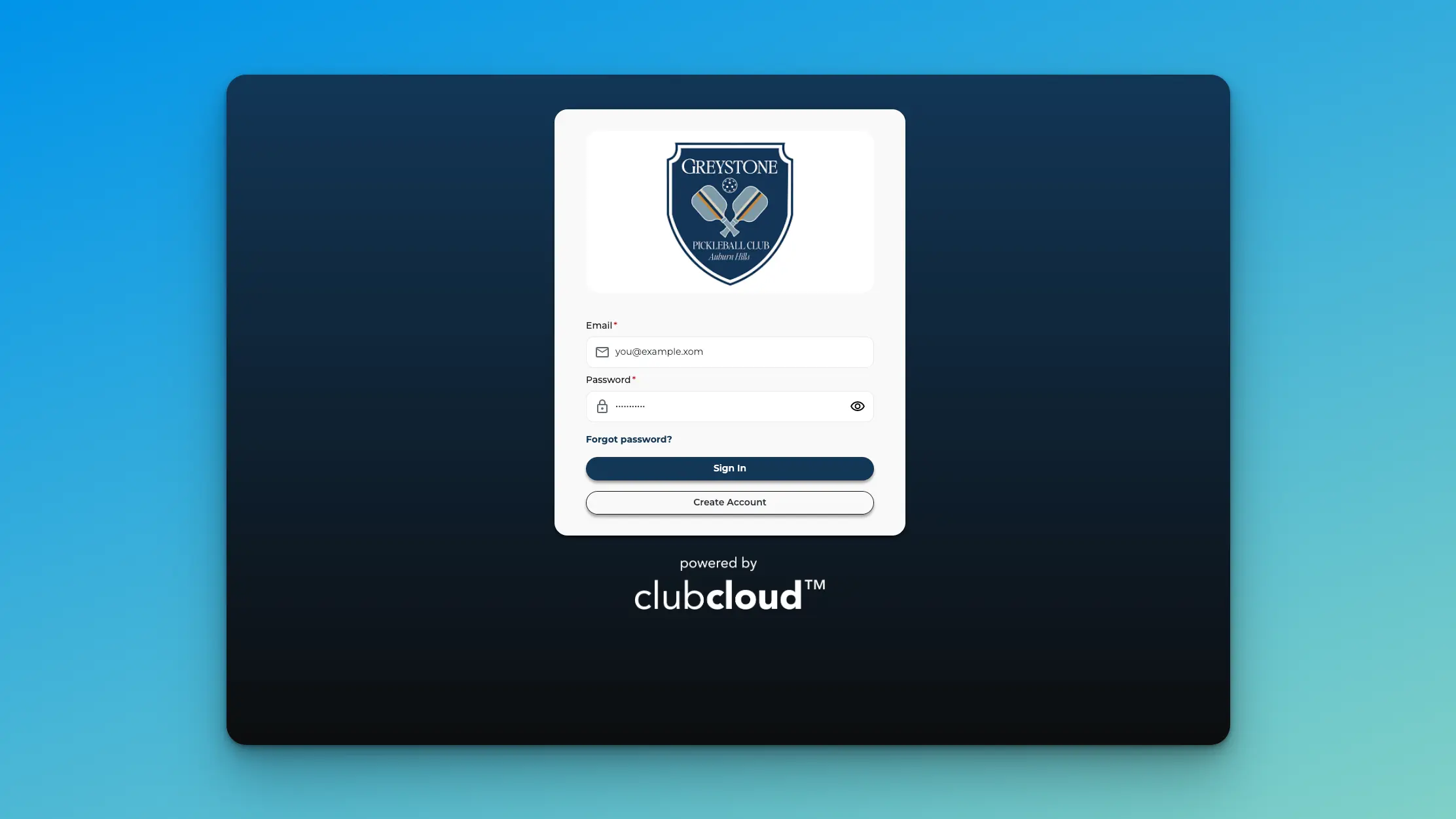
Step 1: Create Your Account
Visit the Greystone ClubCloud portal and select Create Account. Enter your basic information and complete the account setup process.Create Your Account
Step 2: Navigate to Enrollments
Once logged in, navigate to your dashboard and click the Enrollments button. This is where you manage all program registrations.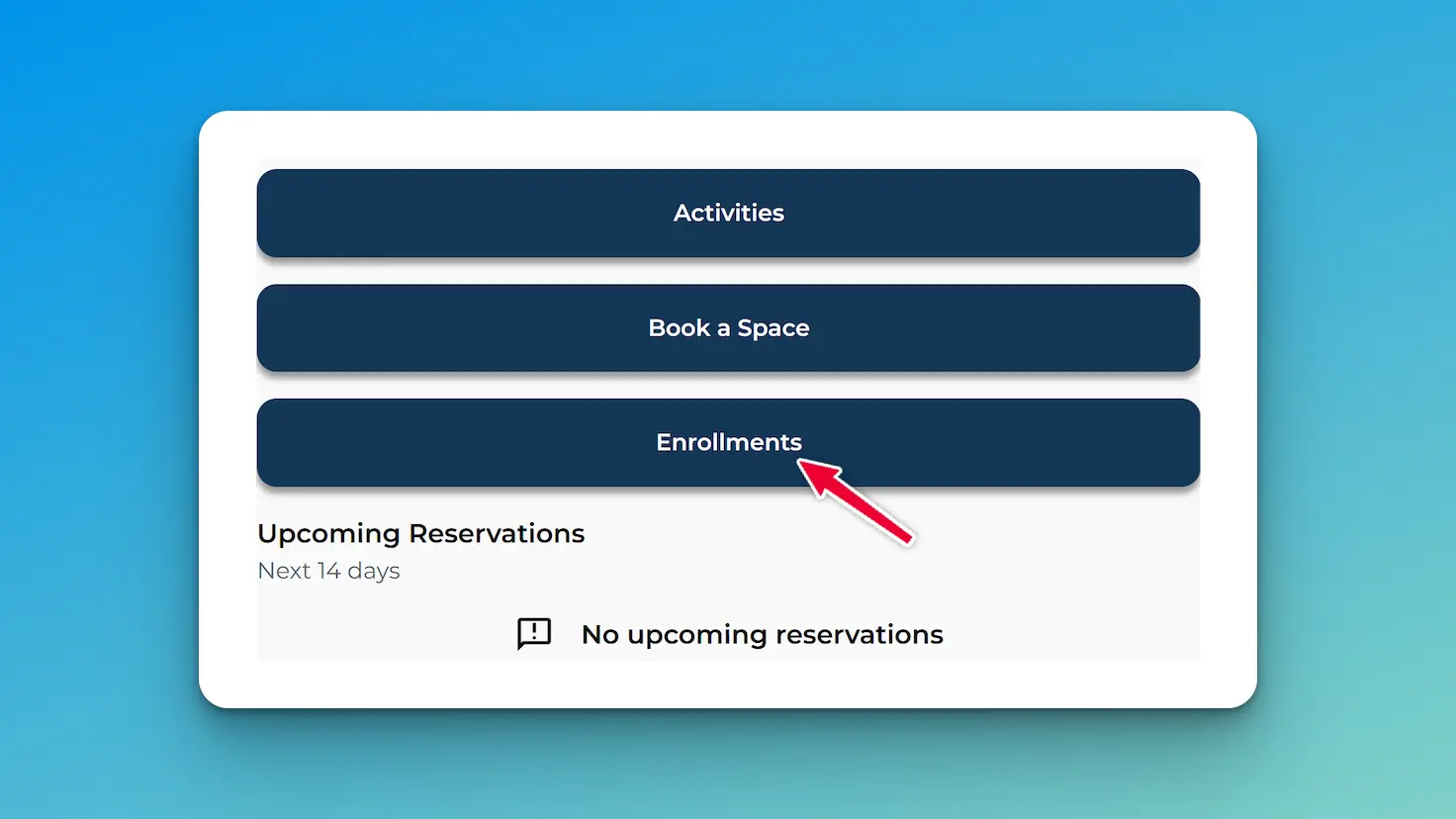
Step 3: Click "Add New Enrollment"
If you do not have any current enrollments, select the “+ Add New Enrollment” button to begin.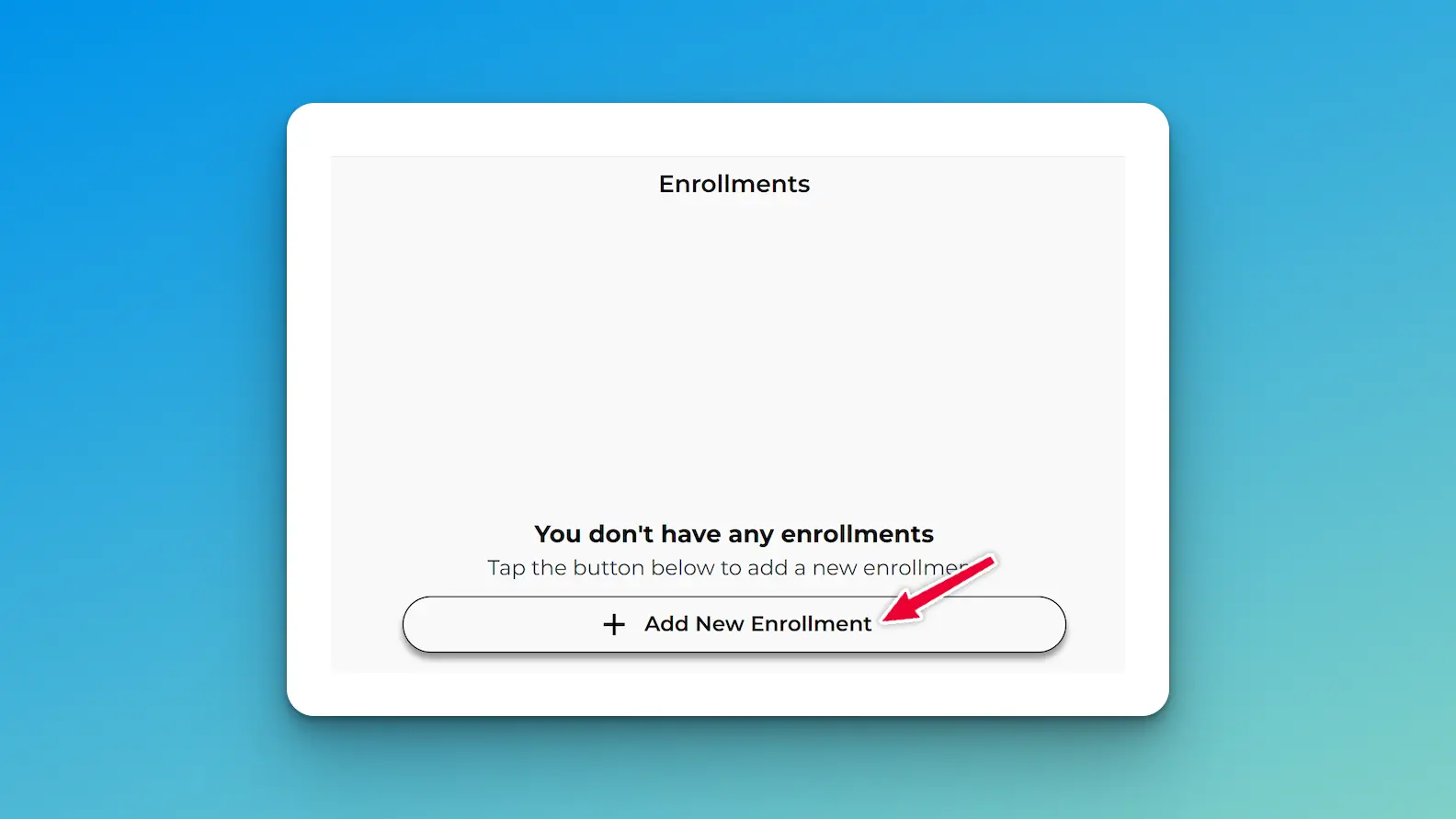
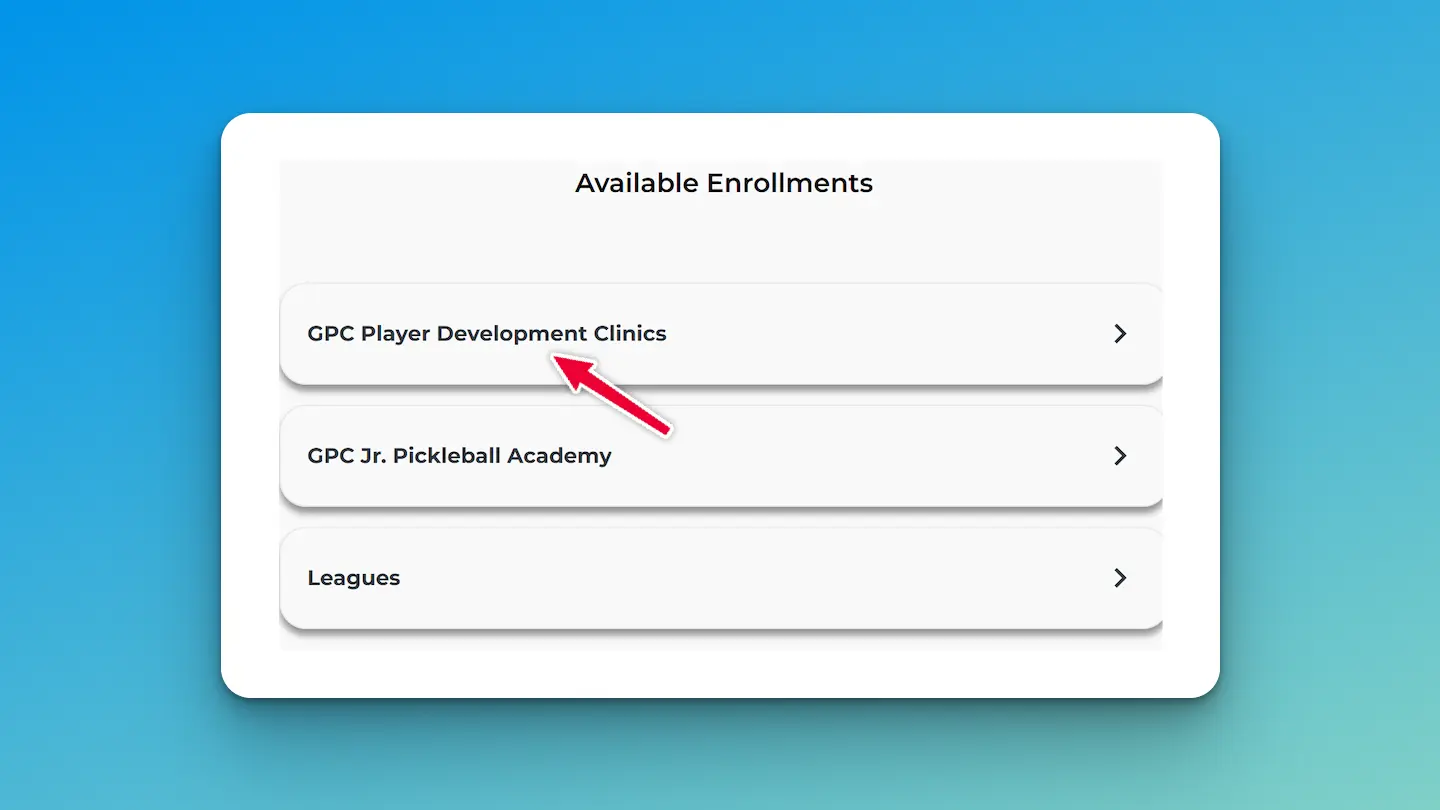
Step 4: Choose Your Program
Choose the program you’d like to join and follow the prompts to select your division, session, and complete checkout.